Icelandic, Lithuanian, and Norwegian locale support for Booker#
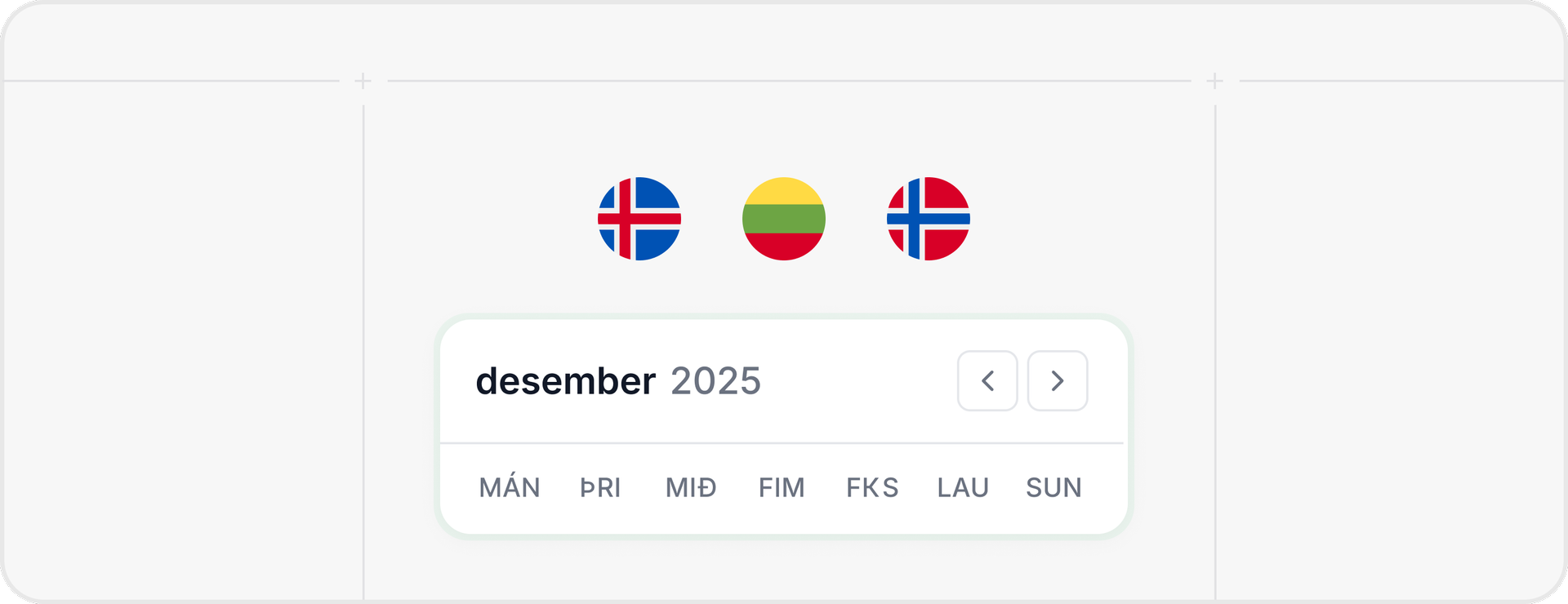
Booker now supports Icelandic (is), Lithuanian (lt), and Norwegian Bokmål (nb) locales for date/time + weekday formatting—no more English fallbacks.

These example posts were automatically generated by PersonaBox from GitHub pull requests.
Want posts like this?
Turn your GitHub PRs into polished product updates.
Powered by PersonaBox
Booker now supports Icelandic (is), Lithuanian (lt), and Norwegian Bokmål (nb) locales for date/time + weekday formatting—no more English fallbacks.
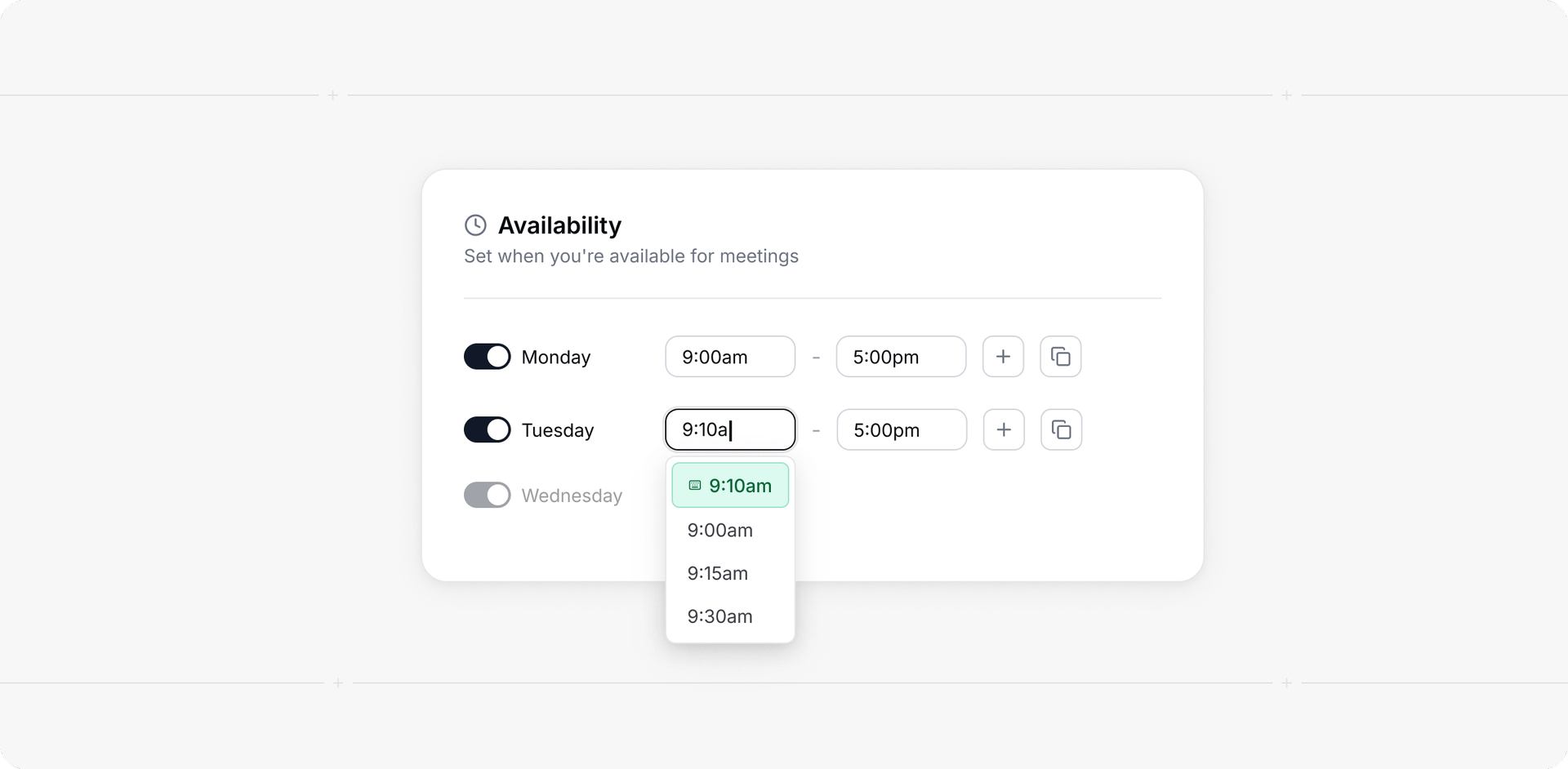
Availability: You can now type custom times in the time picker (12h/24h). Invalid or out-of-bounds times show inline validation, and custom selections persist even if they’re not in the preset list.
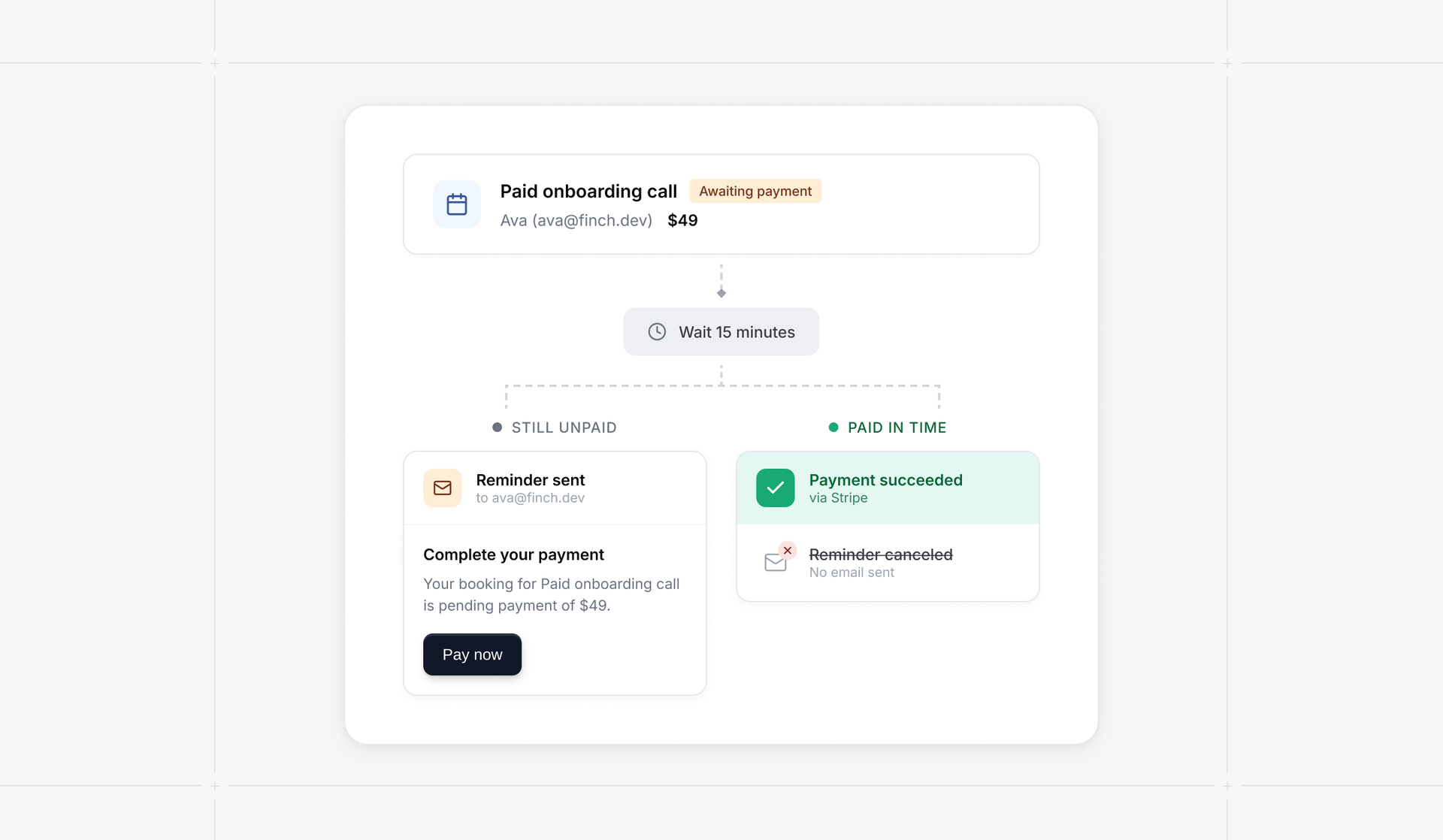
Awaiting-payment reminders are now queued (default 15 minutes, configurable) and automatically canceled when payment succeeds. Includes seat-aware targeting for seated events and improved handling after Stripe redirects.

New: Settings → Security → Compliance. Download the DPA and access compliance reports (SOC 2 Type II, ISO 27001, pentest). Some documents are restricted to Organizations plan or higher.
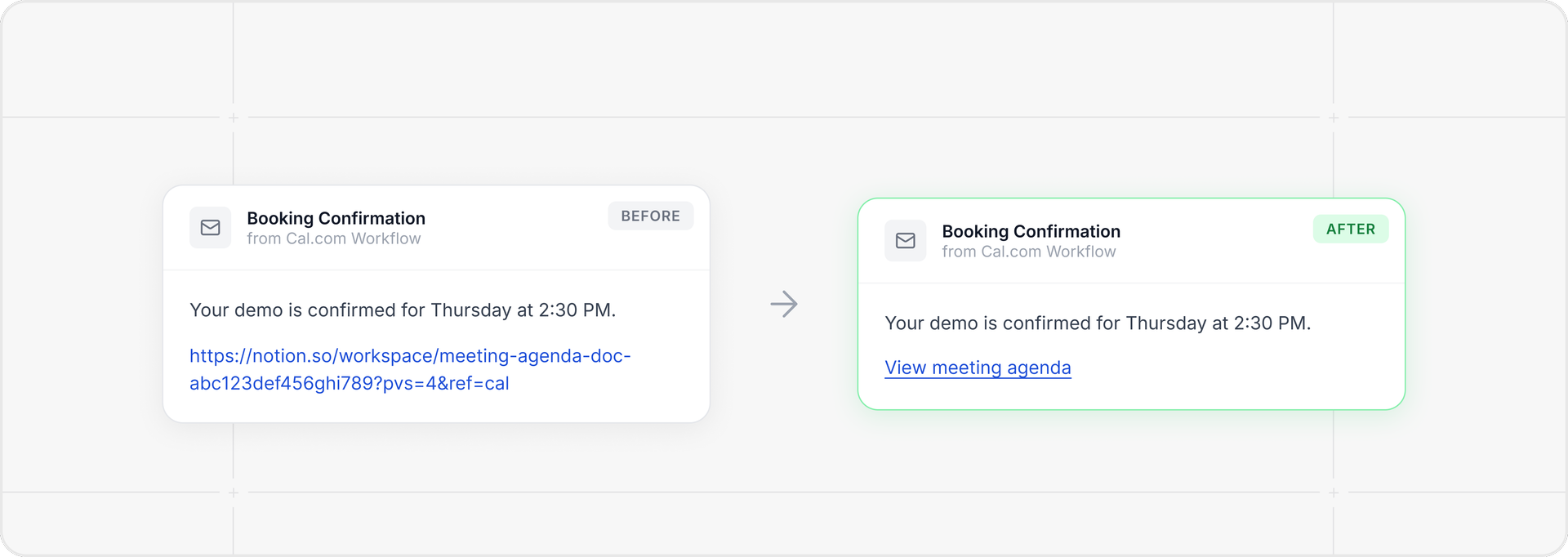
Organization accounts can now add cloaked links (URL behind text) in workflow emails. Non‑Org accounts still show full URLs by default for safety.
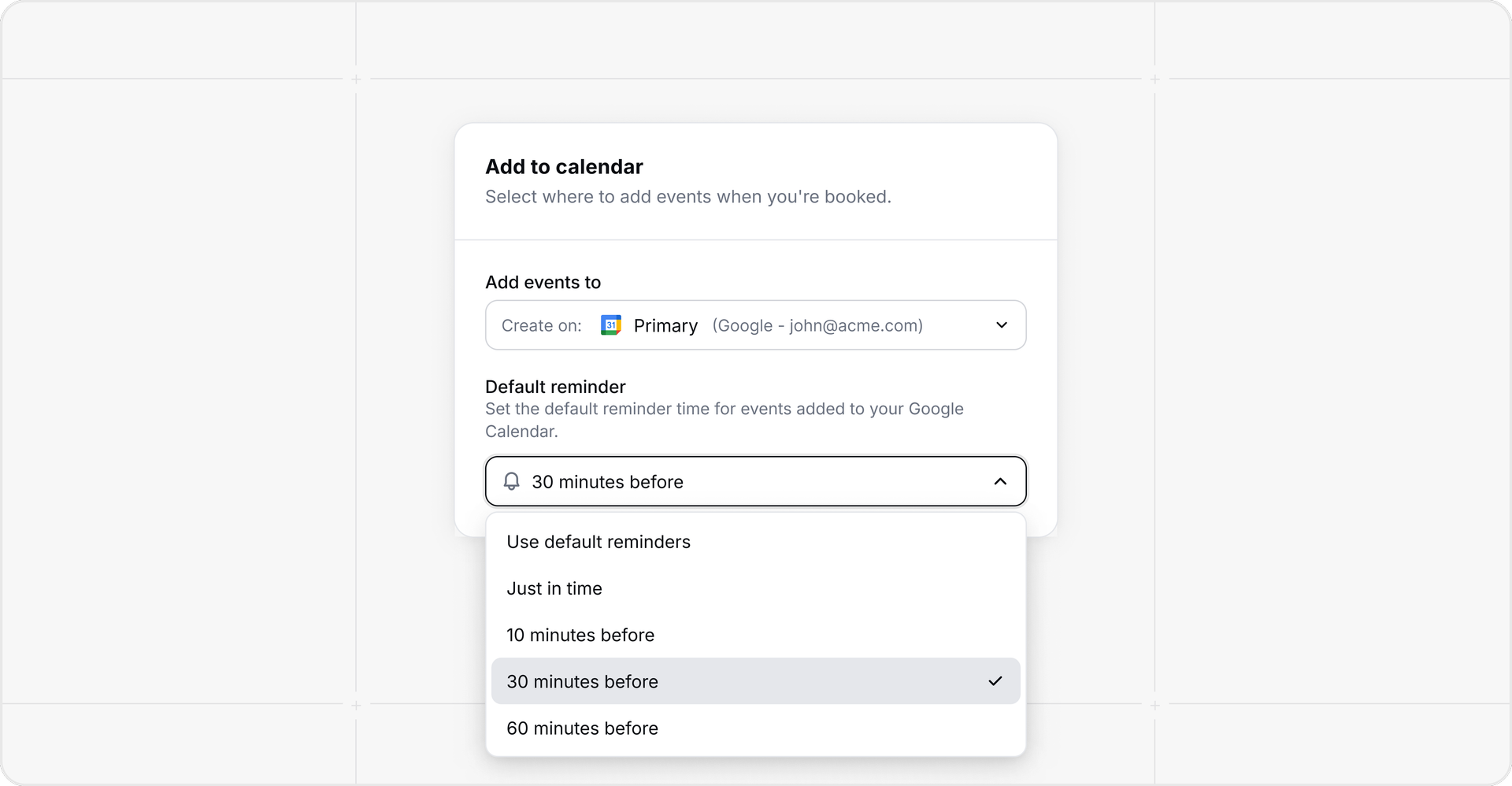
Google Calendar: you can now set a default reminder (use Google default, just-in-time, 10/30/60 minutes) for events created from Cal.com bookings. Configure it in Settings → Calendars; reminders apply as both email + popup.
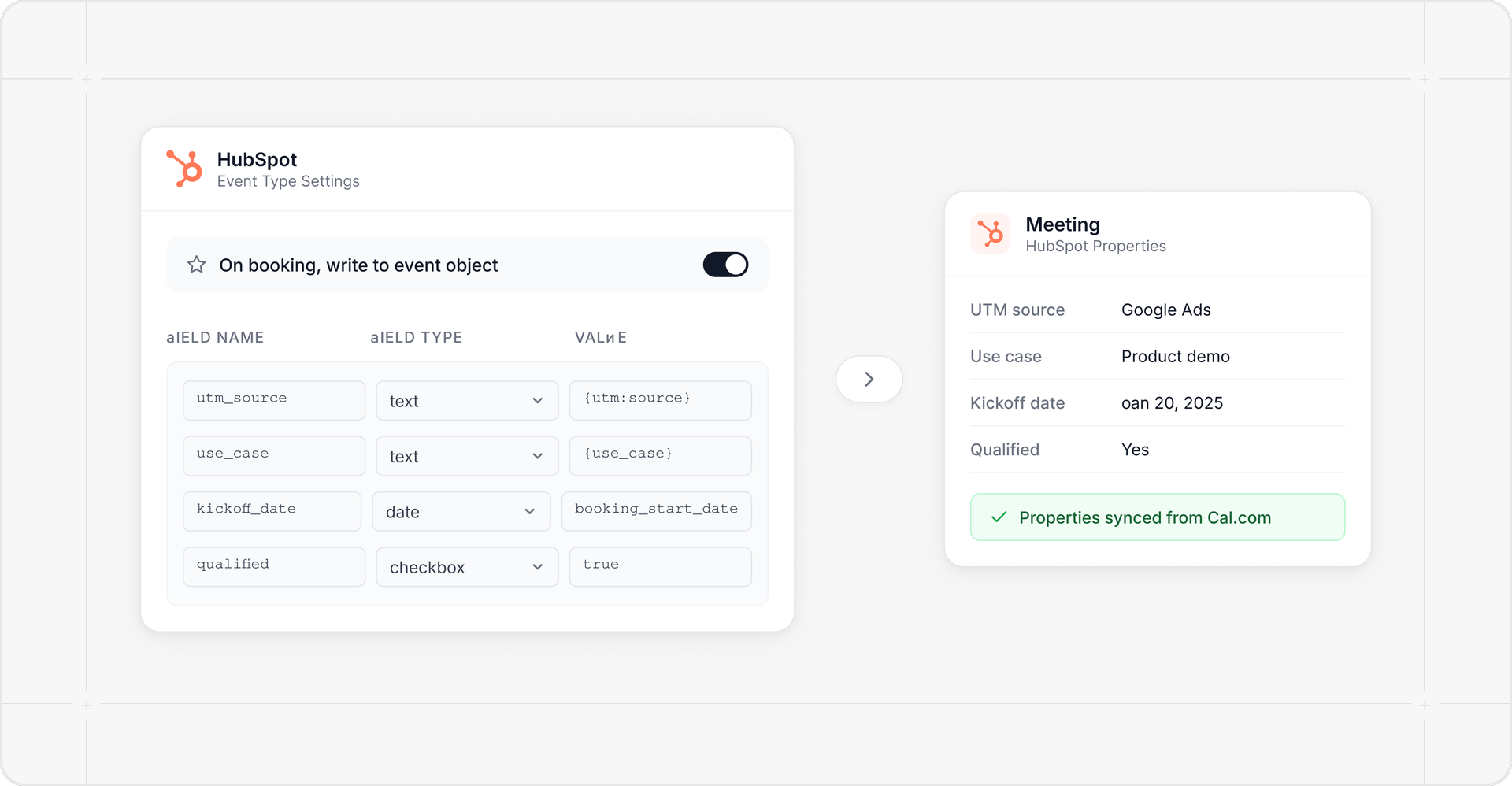
HubSpot: You can now write booking data directly to the HubSpot Meeting object on booking. Map form answers, UTM params, and key dates to Meeting properties from the HubSpot app settings.
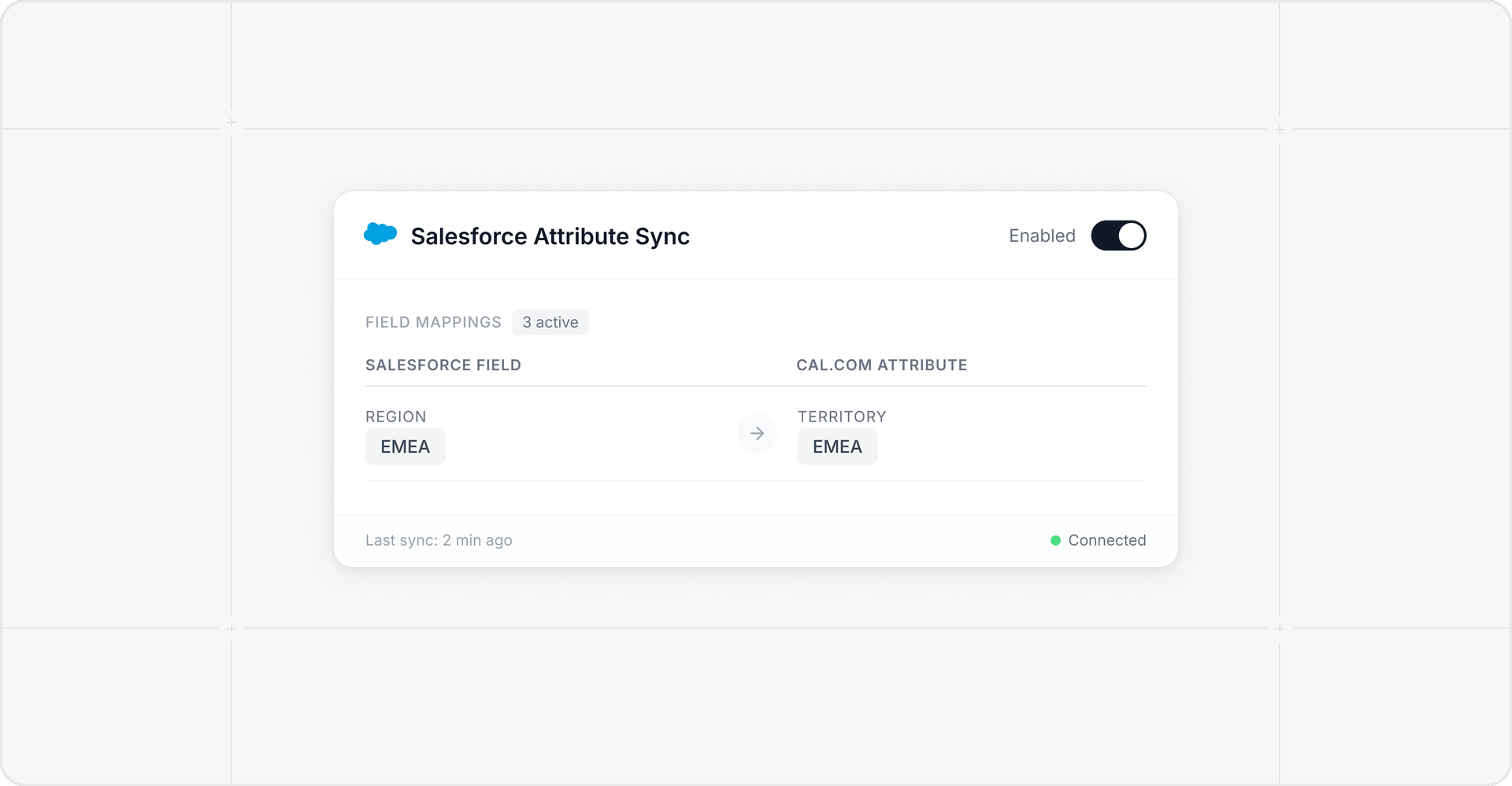
Salesforce user attribute sync: Cal.com can now receive Salesforce user webhooks and automatically map changed fields to Cal.com attributes (including multi-select picklists), with rule-based eligibility for who gets synced.