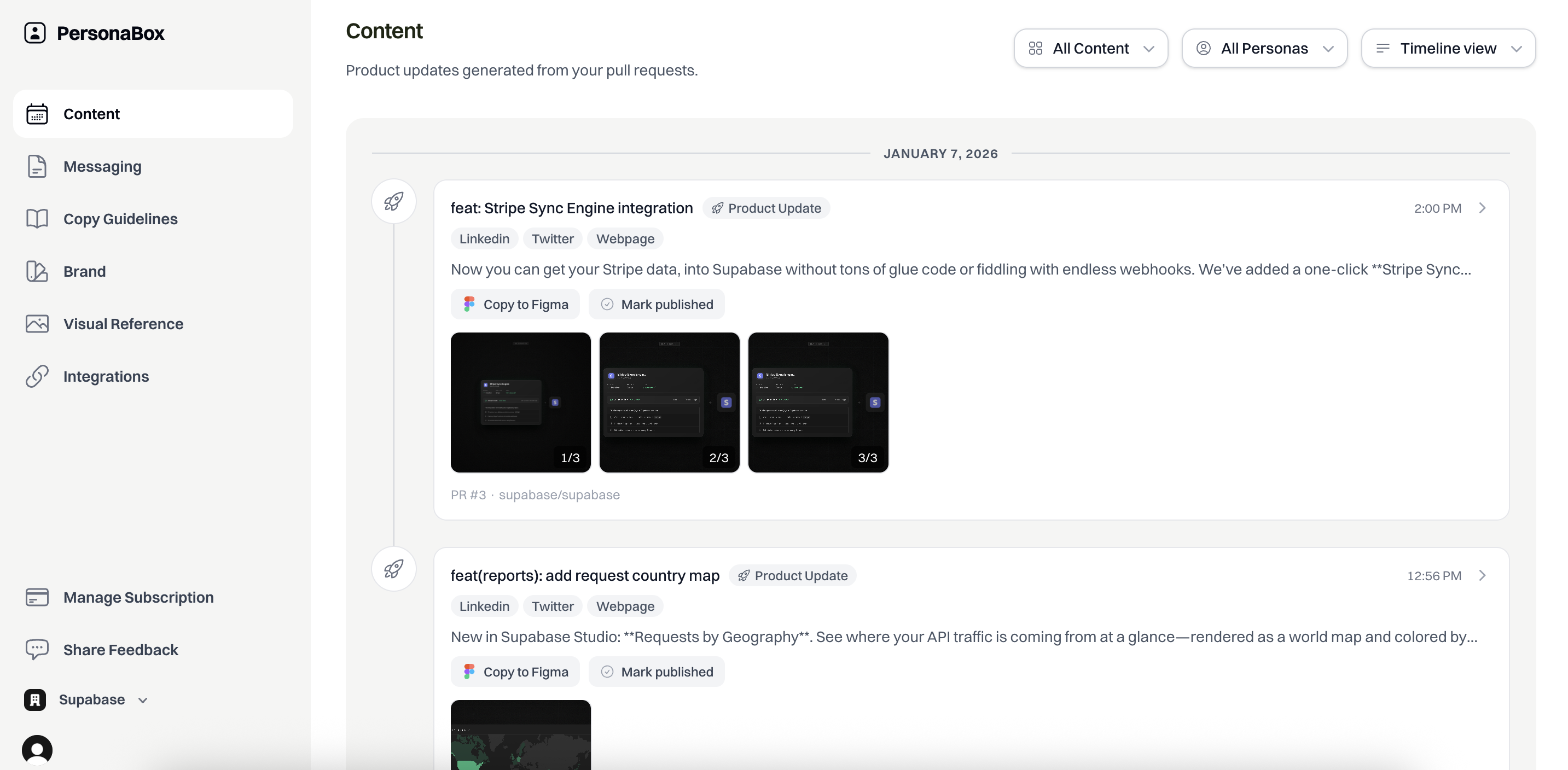
Pixel-perfect visuals. Persona-perfect copy.
Most AI content feels generic and forgettable. We intelligently gather your brand identity, voice guidelines, audience personas, and visual style, then weave it into every update so everything looks and sounds like it came from someone who deeply understands your customers.
GitHub Integration
Connect your repo and we automatically detect merged PRs, analyze diffs, and understand what changed.
Brand Identity
Your logos, colors, fonts, and design motifs. We fetch everything via Brandfetch or let you upload directly.
Audience Personas
Define who you're talking to. Every piece of copy is tailored to their pain points, language, and priorities.
Brand Voice
We analyze your website to generate copy guidelines for LinkedIn, X, and newsletters. Every post sounds like you.
Visual Reference
Upload examples of product updates you like. Our AI matches your style and layout preferences.
Integration Partners
Ship an integration? We pull in partner logos and position the announcement for both audiences.
Merge a PR, get a post
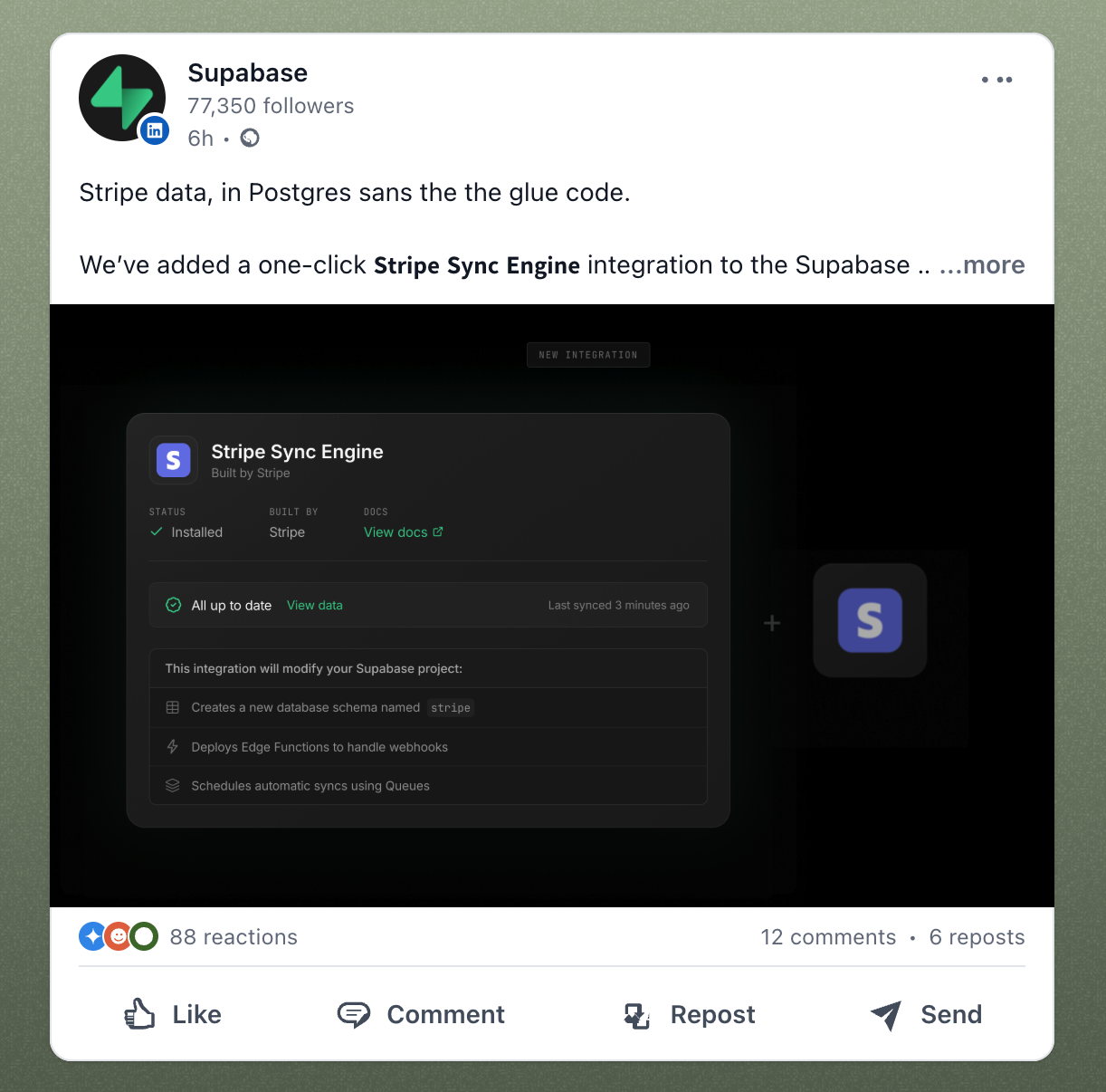
Using all that context, PersonaBox creates production-ready content. Real visuals from your actual codebase. Copy tailored to each channel and persona.
Your real components, pixel-perfect
Visuals use your actual design tokens, components, and styling. 4x resolution, ready for any screen.
Multi-channel copy
LinkedIn (storytelling), Twitter (punchy), Newsletter, and Website copy - all generated at once, each optimized for the channel.
Your design system, your brand
Colors, fonts, spacing - everything matches. Integration announcements include partner logos automatically.
Iterate, tweak, and publish anywhere
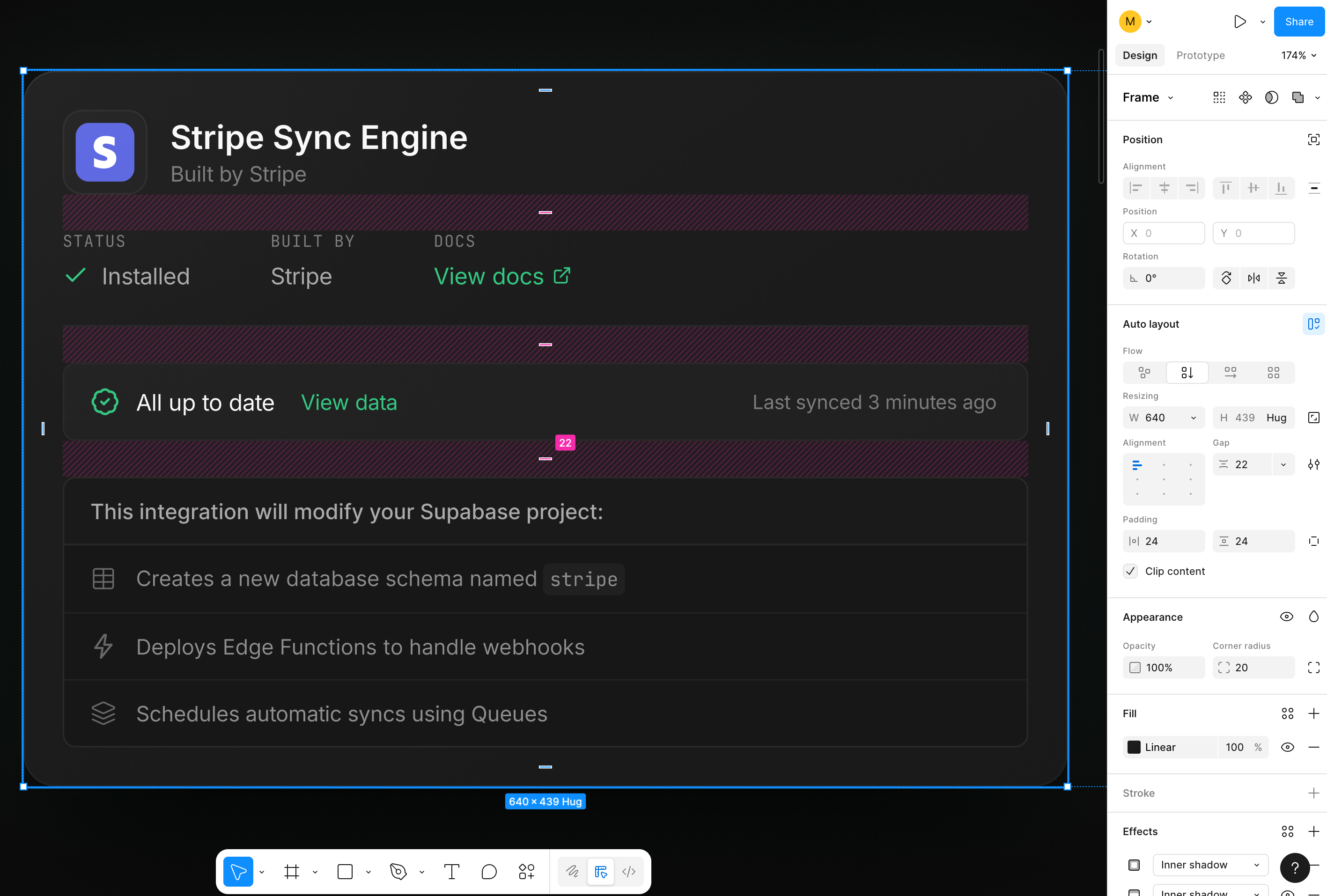
Review the generated content, make any tweaks you want, then publish. Copy text directly to your scheduler, or import everything into Figma for pixel-perfect control.
Edit copy inline
Tweak headlines, adjust messaging, or regenerate specific sections. Your changes are saved instantly.
One-click copy
Copy any channel's text and paste directly into Buffer, Typefully, LinkedIn, or wherever you schedule posts.
Perfect Figma import
Everything exports with Auto Layout, real images, and named layers. Paste and start editing immediately - no cleanup needed.
Stop letting features ship in silence.
See how we can transform your product updates. Every plan includes hands-on support.