Get your day back
Send your first product newsletter in 30 minutes or less
From the moment you open PersonaBox to the moment you click send, the whole pipeline takes 30 minutes or less. You stay in product mode, customers still get their update.
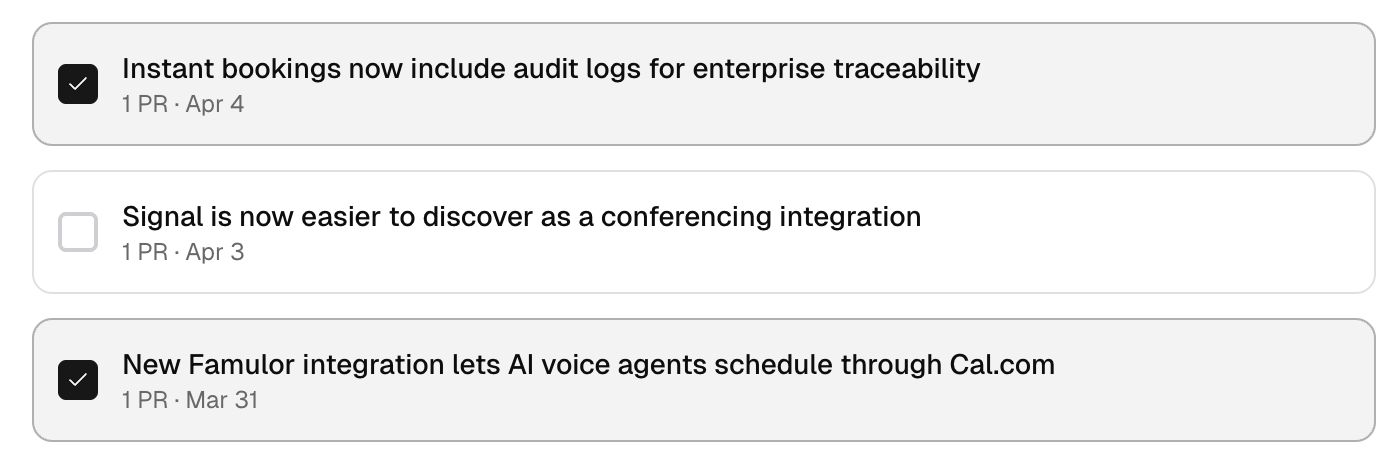
Recommended updates
PersonaBox watches your repos and surfaces the marketing-worthy PRs for the period. You start with a ranked queue of what to write about, not a blank Notion doc and a Slack thread to your engineers.
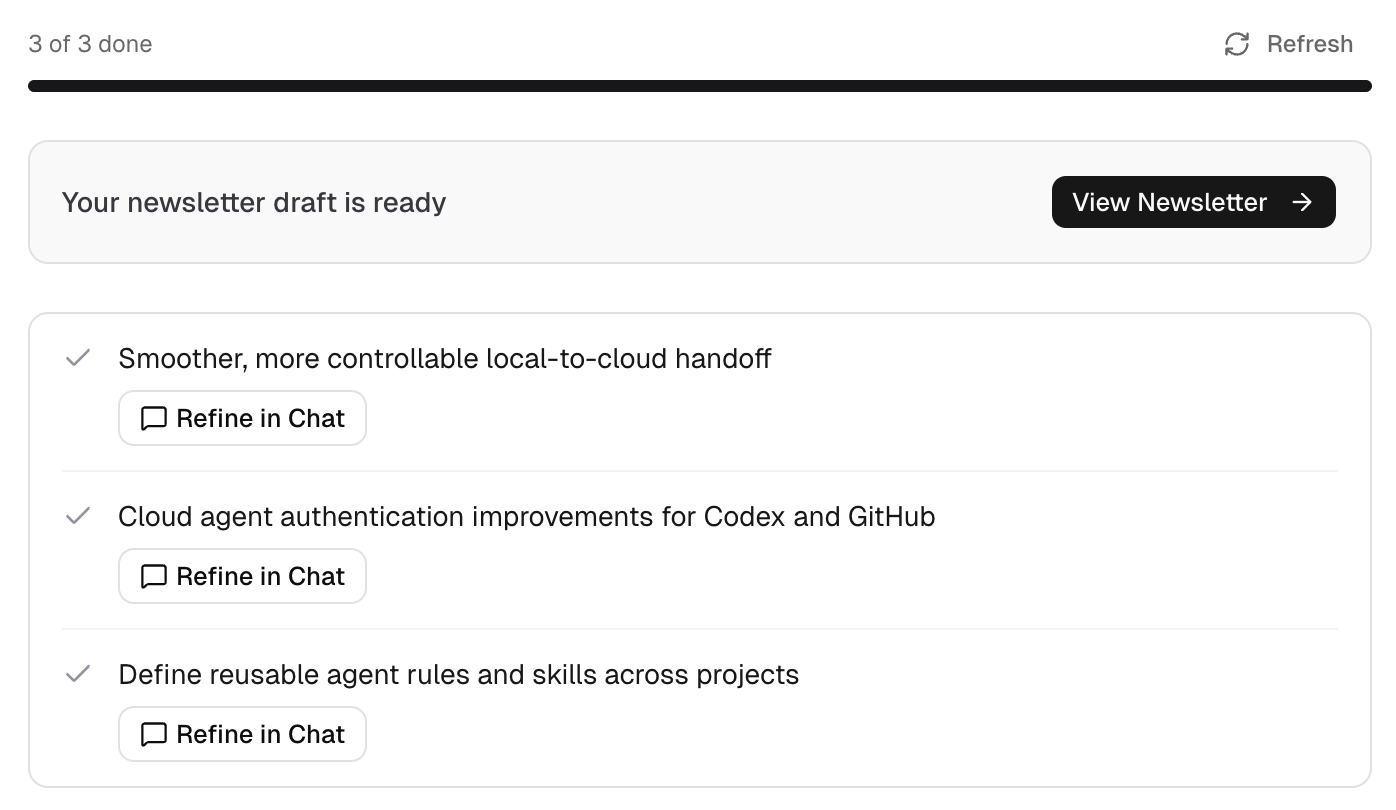
Each section drafted automatically
For every chosen update, PersonaBox writes the title and a 2-3 sentence blurb, generates a hero image where it helps, and slots the whole thing into the newsletter layout. The blank page is filled before you sit down.
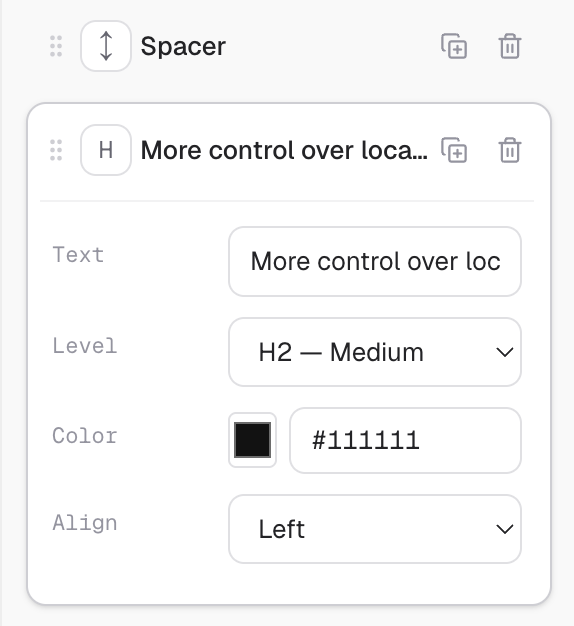
Drag, drop, edit in plain text
Final tweaks happen visually. Reorder sections, swap a hero image, or click a sentence and edit it inline. No HTML, no template wrangling, no Mailchimp drag-and-drop quirks.
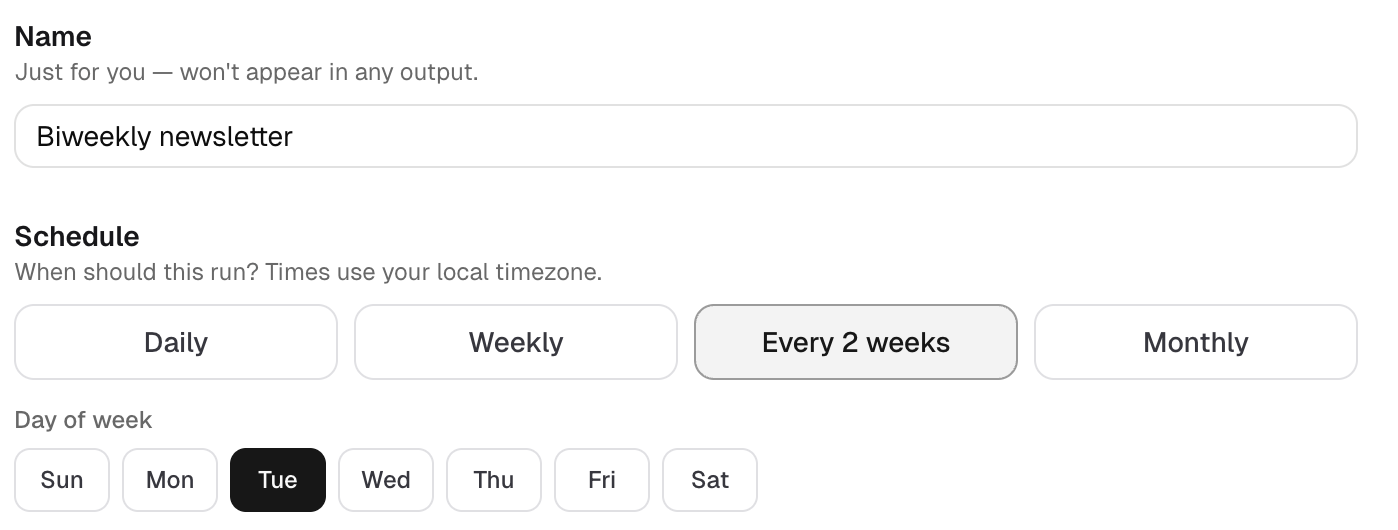
Recurring on the cadence you set
Pick weekly, biweekly, or monthly and PersonaBox drafts the next newsletter on schedule. Monday morning you open it, edit for a few minutes, and ship. Or set it to auto-send if you trust the output.
Worth the open
Newsletters customers want to read, not skim past
Text-only changelogs pasted into an email do not drive opens. PersonaBox writes to your buyer and pairs every section with imagery that earns the click.
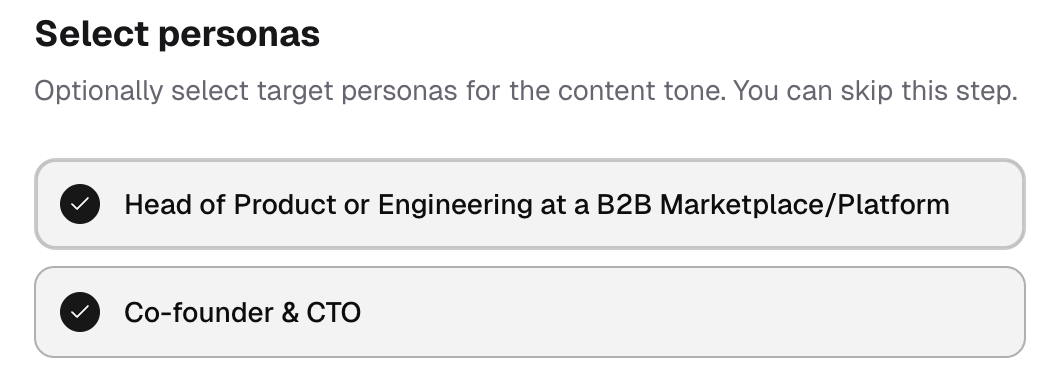
Persona-tuned copy
Every section is written for the buyer who actually reads your newsletter. PersonaBox pulls your brand voice and persona messaging, so the same release reads differently for power users than it does for a trial customer.
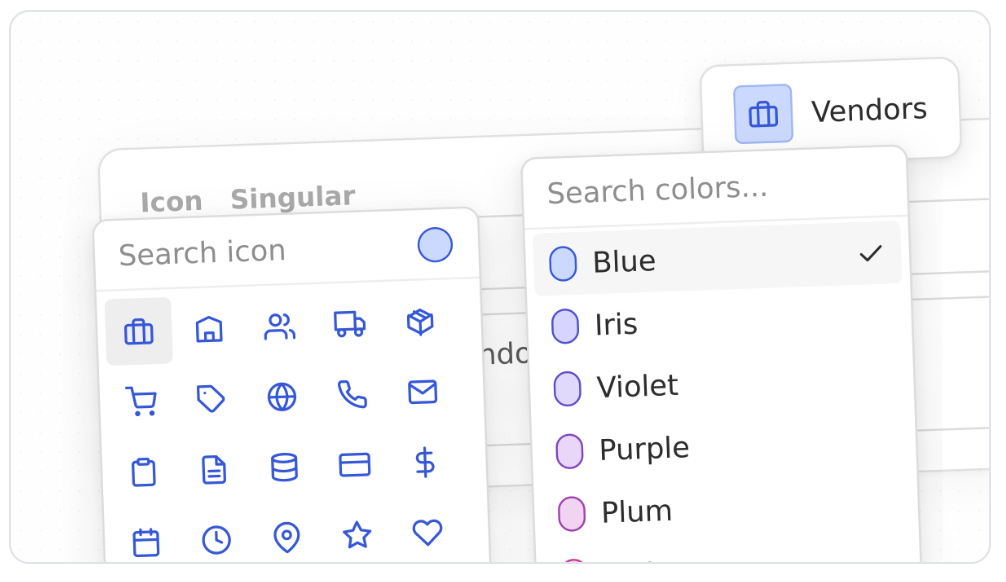
On-brand images from your real UI
Each feature section ships with a hero image rendered from your actual product, not a stock photo or a generic AI illustration. Customers see what changed without leaving the email.
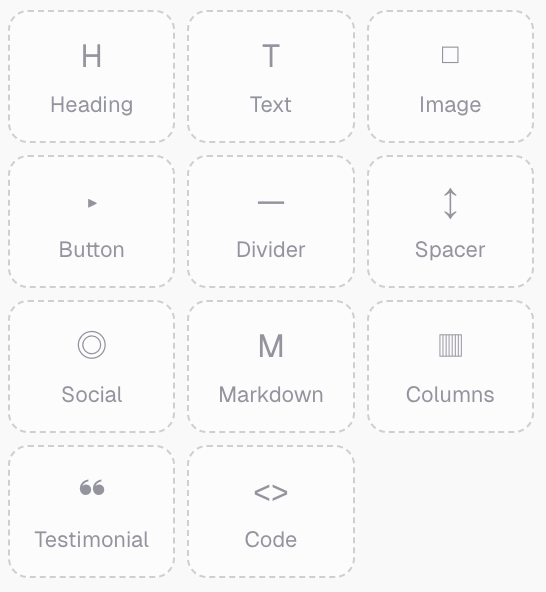
Block layout that renders in every client
Heading, image, text, button, divider, every block is built for Outlook, Gmail, and Apple Mail. Mobile-ready by default. No 2014-era email-template wrestling.
What’s included
Build and send, all in one place
You don’t need a separate email provider to start sending. Or, if you already have HubSpot or Customer.io, PersonaBox plugs right into it.
Drag-and-drop builder
A visual editor built for newsletters, not blog posts
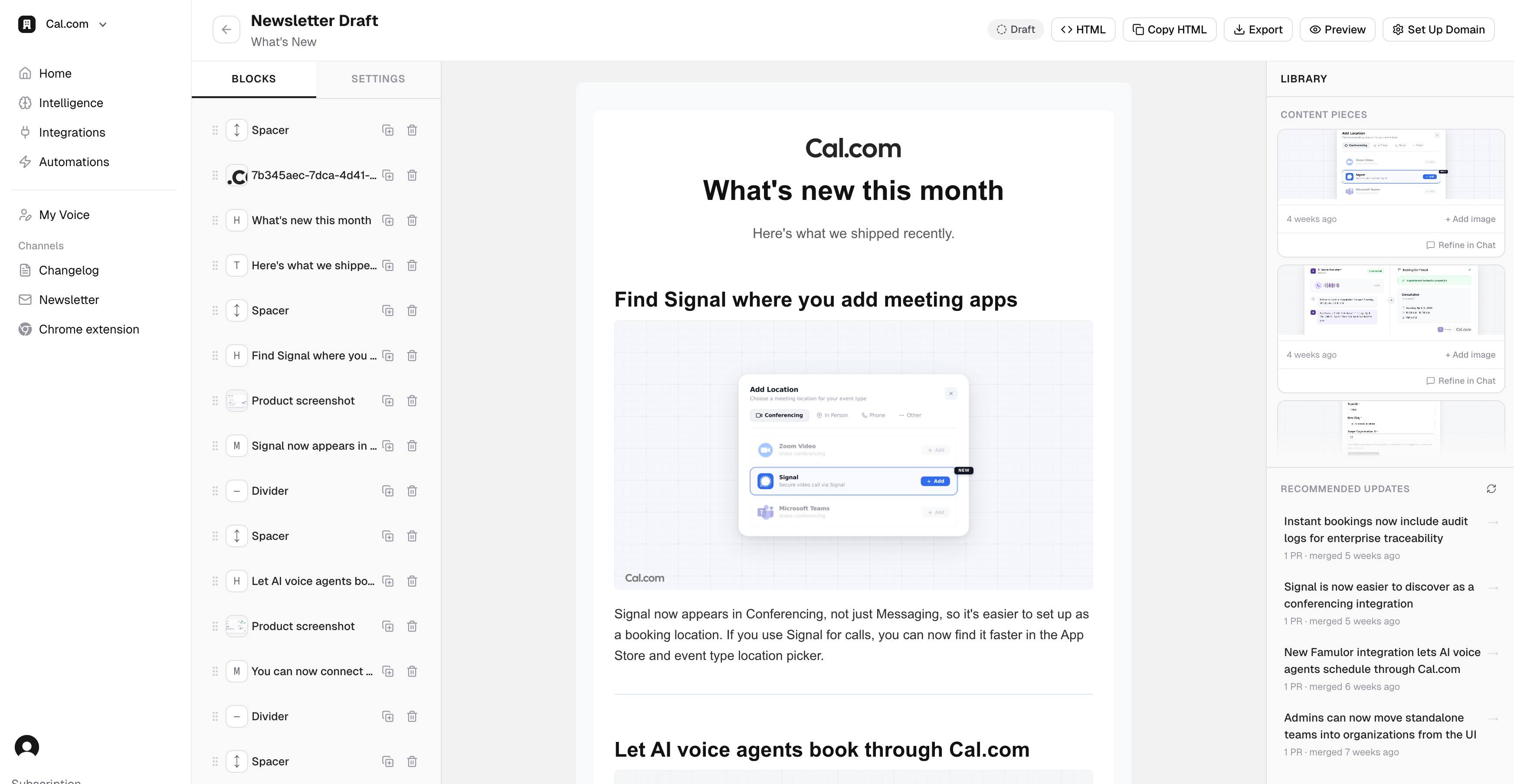
Drag blocks onto a clean canvas, reorder them, edit copy inline, swap images. The live email preview shows exactly what Gmail will render, so nothing breaks on send.
- Block library: heading, image, text, button, divider, spacer
- Inline text editing with rich-text formatting
- Brand fonts and colors picked up from your brand designs
- Live mobile and desktop preview side-by-side
- Reorder sections by drag, swap hero images from your content library
Send or export
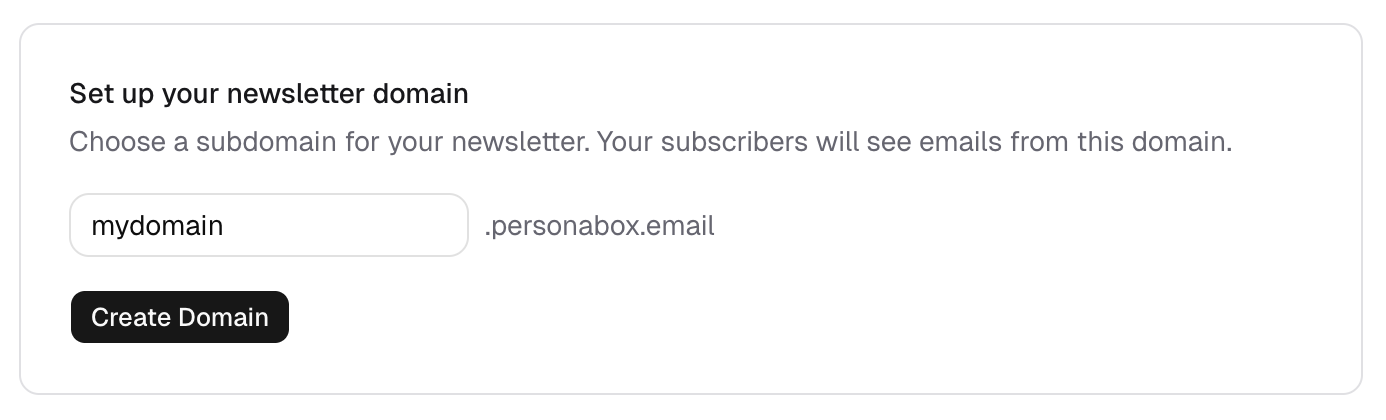
Send from your subdomain or pipe to your email tool
PersonaBox can be your full sending stack: custom subdomain, subscriber list, unsubscribe and bounce handling, per-send analytics. Already on HubSpot or Mailchimp? Export the assembled email in one click.
- Send from updates.yourbrand.personabox.page or your own subdomain
- Subscriber list management with CSV import and export
- Per-newsletter open, click, bounce, and unsubscribe analytics
- Or export to HubSpot, Mailchimp, Customer.io, or raw HTML
- Unsubscribe and bounce handling are honored across every send
Send the newsletter you keep meaning to send
Connect your GitHub, set a cadence, and bring dormant users back. Drafted in minutes, sent from your domain or your provider.